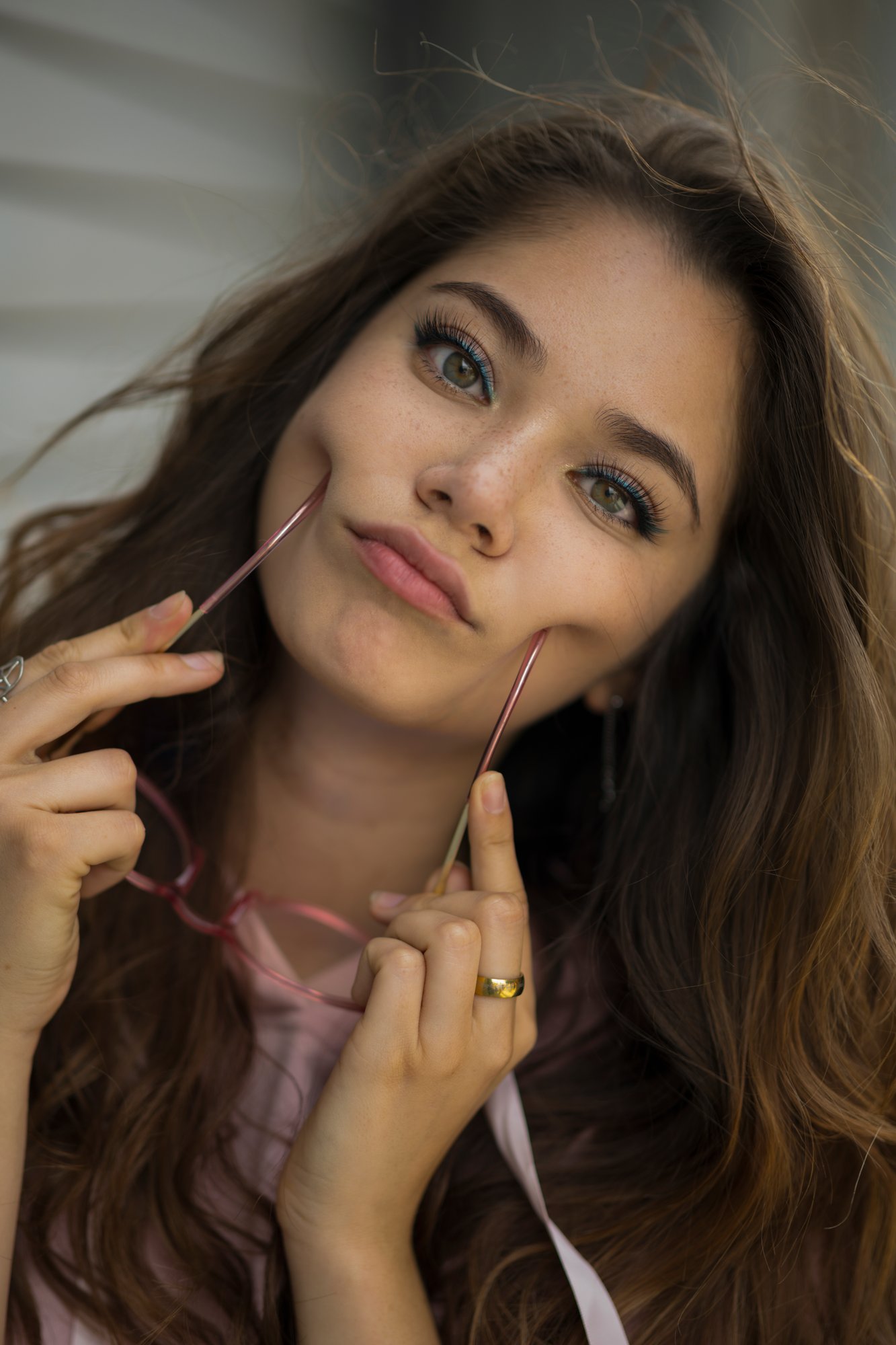
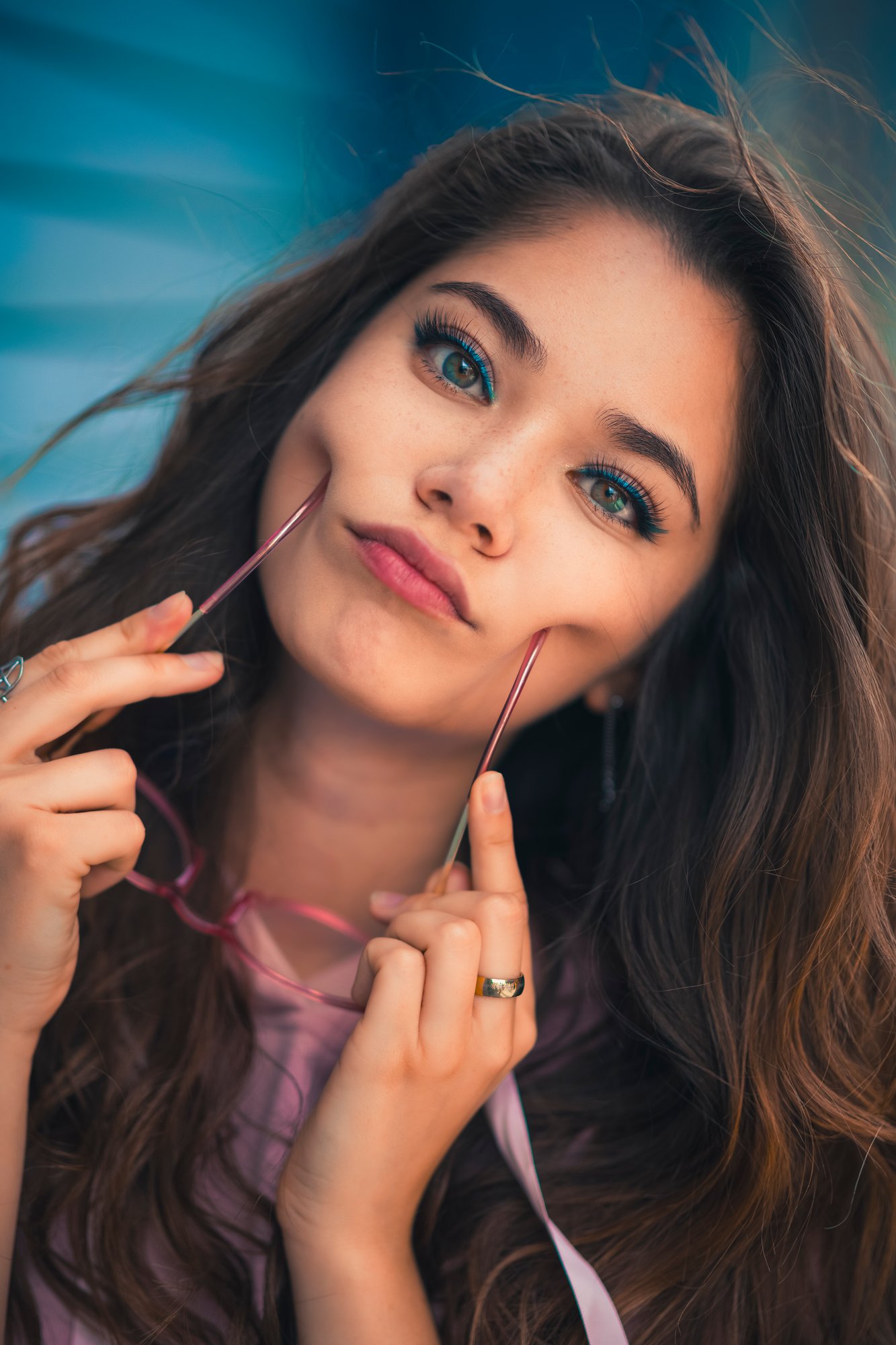
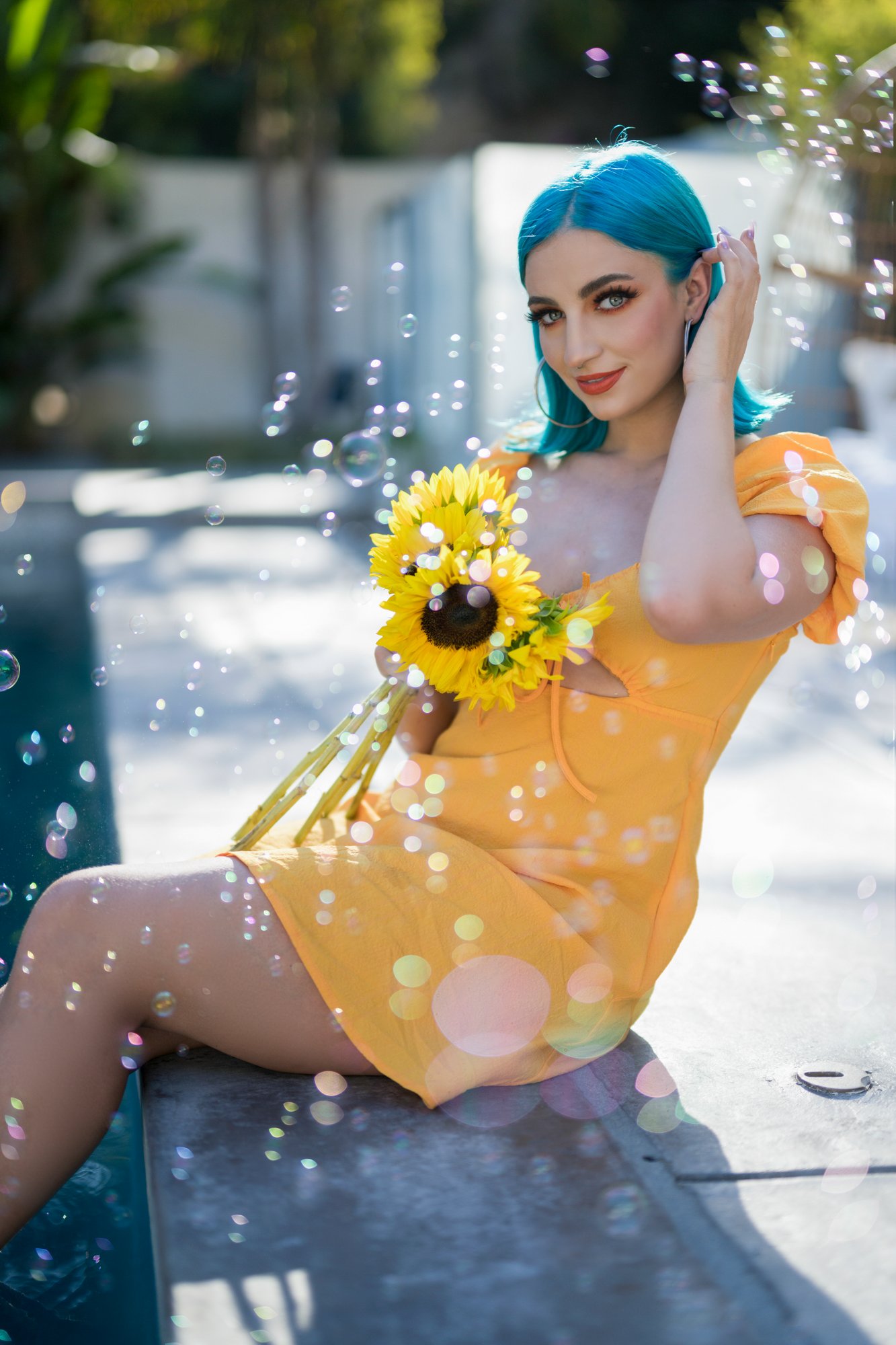
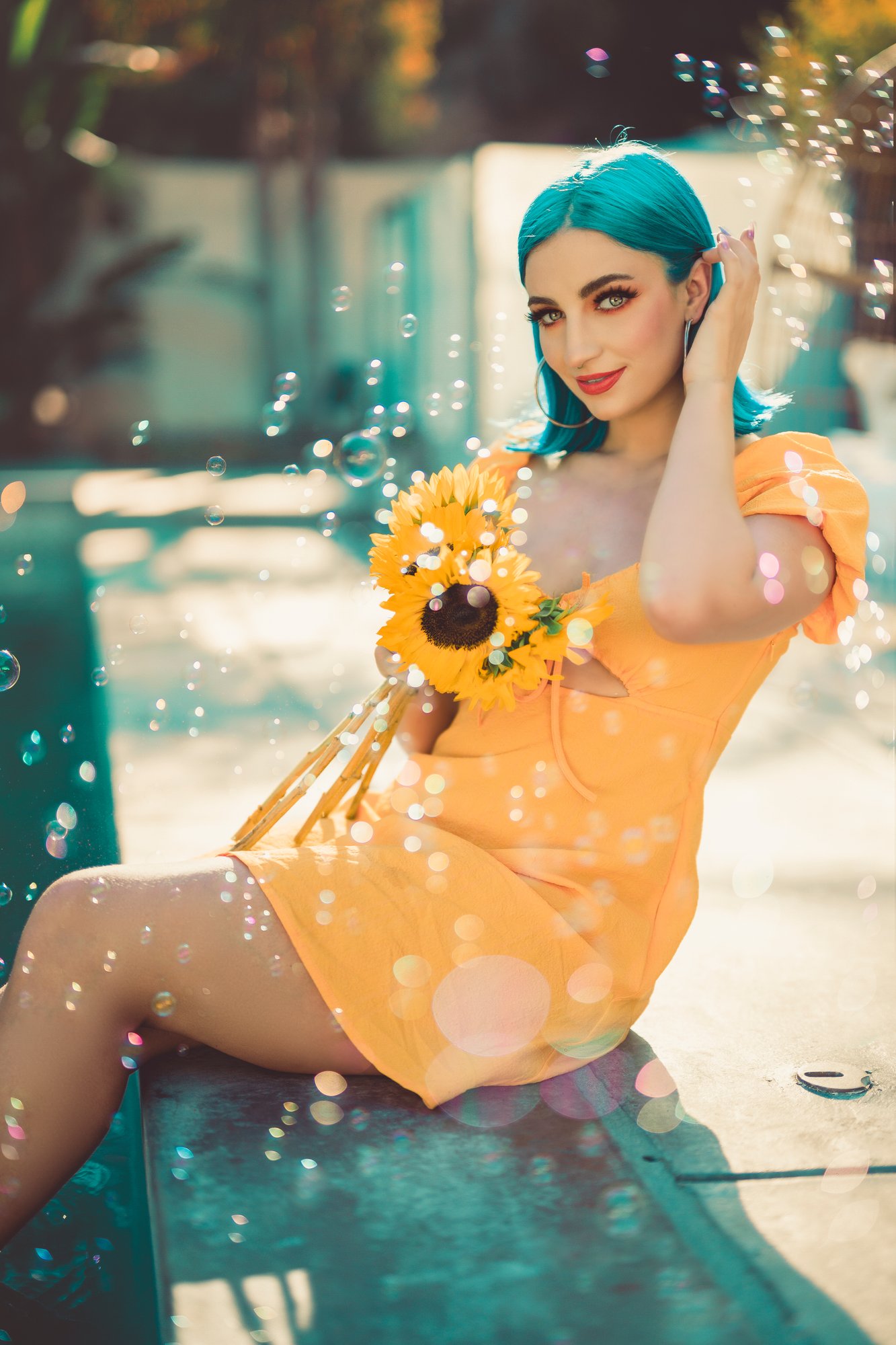
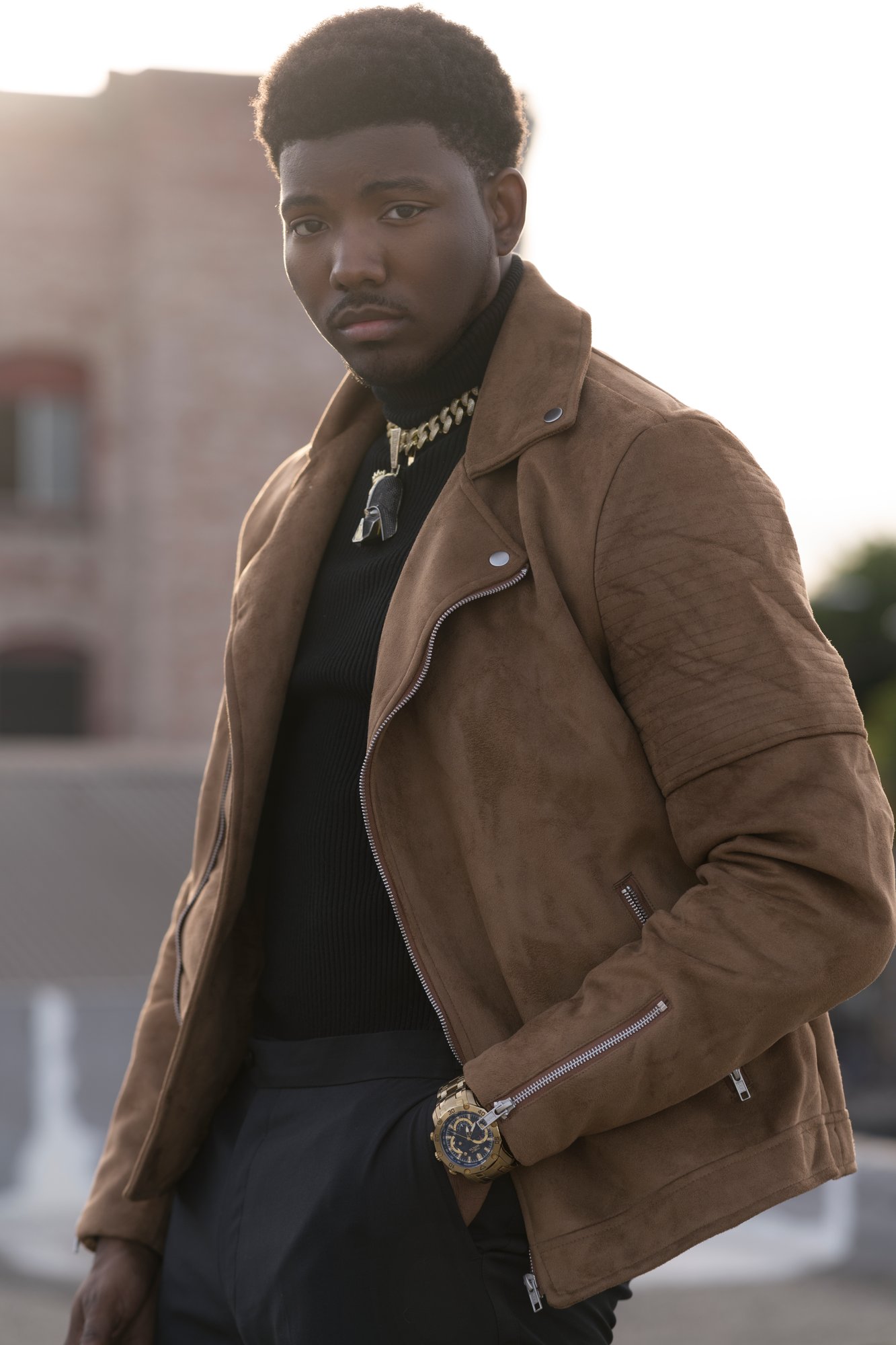
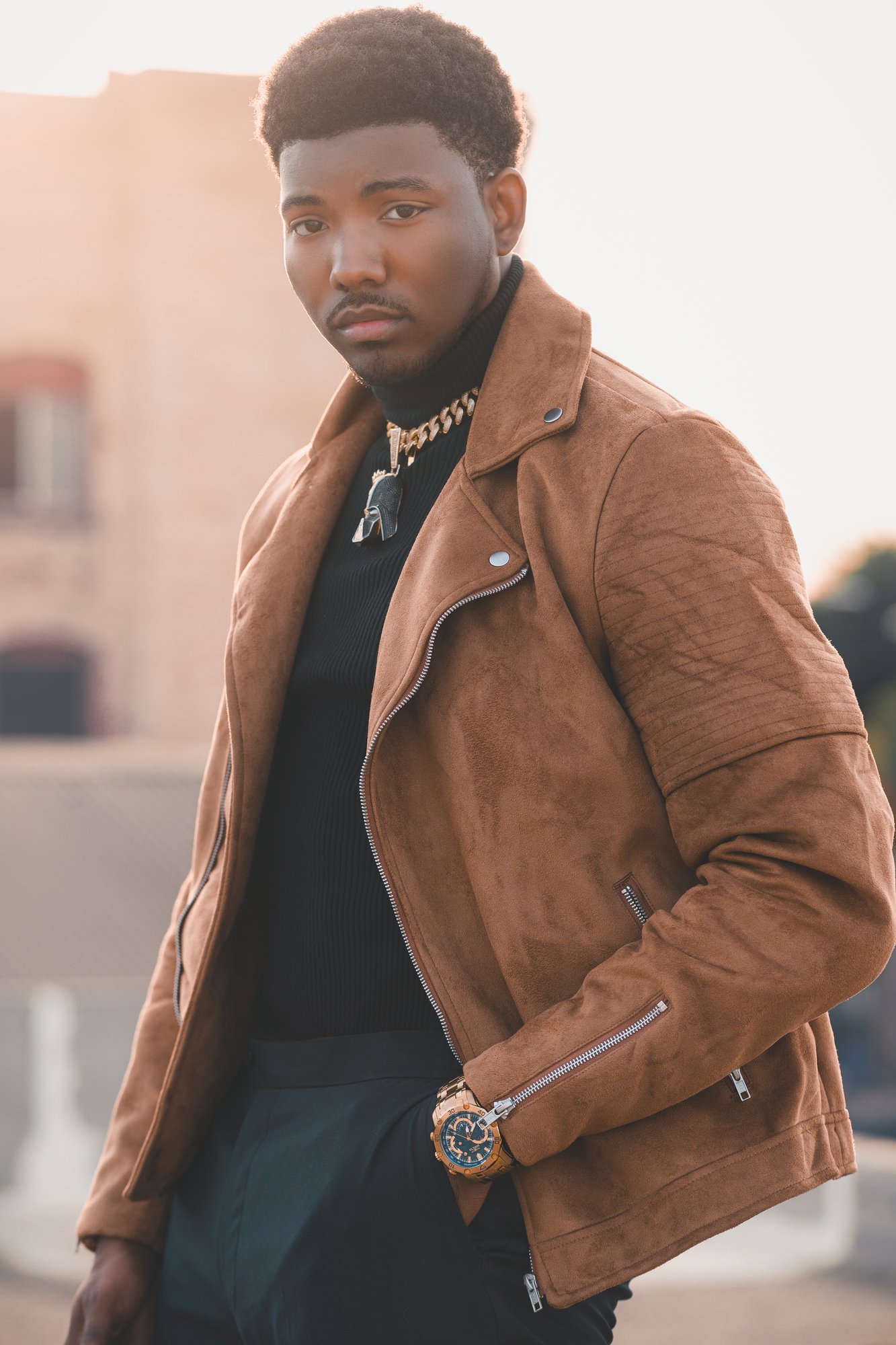
Three smart presets from my Portrait Smart Preset Vol 1 pack, free to download: Mercedes, Amelia and Diego. They read your photo and adjust to it, with the same AI subject detection as the full pack.
These presets use Adobe's AI subject selection, so skin, subject and background each get their own adjustment. Use the same preset on two different photos and you get two tailored results. Works in Lightroom Classic, Lightroom desktop and Lightroom mobile. Pick the ones you want below and I'll email you each download link.
Pick Your Free Presets
Drag the slider to compare before and after. Each preset has its own sign-up, so grab one, two or all three.
Free Sample
Mercedes
Mercedes is the warm skin, cool background look I reach for when I want a portrait to really pop. I love how it keeps skin glowing and natural while the background slides into soft teal and blue, and it brings out the color in eyes beautifully.
Works best on: close-up and half-body portraits in open shade or soft daylight, especially with neutral or cool backgrounds.
BeforeAfter
Drop your email and I'll send you the Mercedes download link.
Free Sample
Amelia
Amelia is my bright, sunny summer look, with clean whites, soft teal shadows, and warm golden color that makes yellows and skin tones glow. I love it for those fun, colorful outdoor shoots where you want everything to feel light and happy.
Works best on: bright outdoor portraits in harsh or midday sun, poolside and summer shoots, and colorful outfits.
BeforeAfter
Drop your email and I'll send you the Amelia download link.
Free Sample
Diego
Diego is the warm golden hour look I love for moody, editorial portraits. It brightens and warms skin, softens the background into a creamy glow, and gives leather, suede, and earthy tones a rich, cinematic feel.
Works best on: backlit and golden hour portraits, streetwear and fashion looks, and warm or earthy outfits.
BeforeAfter
Drop your email and I'll send you the Diego download link.